Piano Kids - Music & Songs
Orange Studios Games

| Category | Music |
| Installs | 100,000,000+ |
| Version | 3.73 |
| Updated | Jun 24, 2026 |
About this game
Game Overview
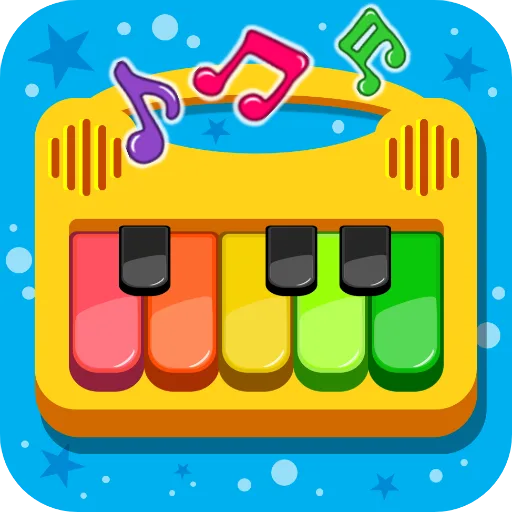
Piano Kids - Music & Songs is a free Android music app from Orange Studios Games, aimed at younger children and the adults sitting beside them. It mixes toy-like instrument play with song learning, sound recognition and small educational activities, so the loop is less about performance and more about tapping, listening and repeating. The presentation is bright and simple, with colourful icons and oversized controls that suit short sessions on a phone or tablet. In practice, it behaves like a digital music box with a learning layer attached. The app’s broad install base, over 100 million on Google Play, suggests it has found a large audience, while the 3.997 rating from more than 724,000 reviews points to steady if not universal approval. Its appeal is clearest for families wanting a low-pressure, child-friendly way to explore music and basic early-learning tasks.
Core Gameplay Features
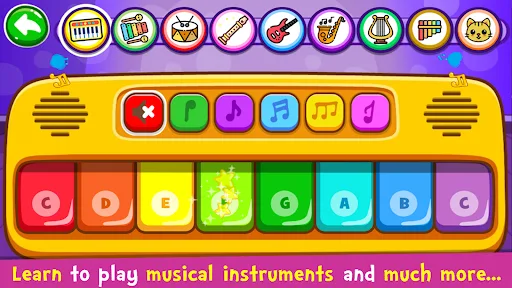
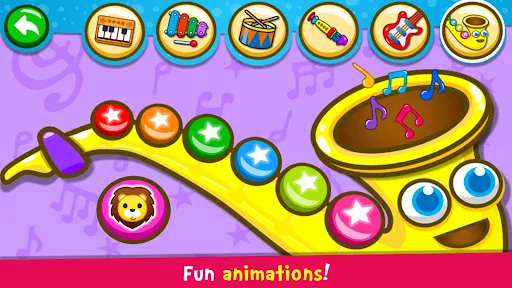
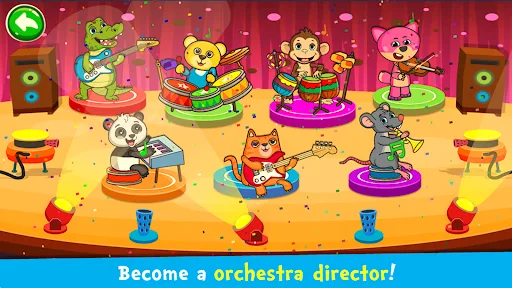
- Instrument Play Children can tap instruments such as piano, xylophone, drums, saxophone, trumpet, flute and electric guitar. The appeal is immediate feedback through real sounds rather than complex rules.
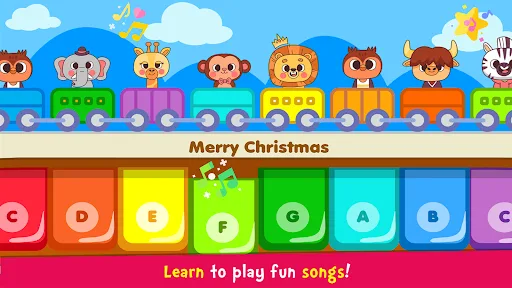
- Song Learning The song mode includes an auto-play option that demonstrates melodies before the player follows along. That makes it closer to guided practice than freeform composition.
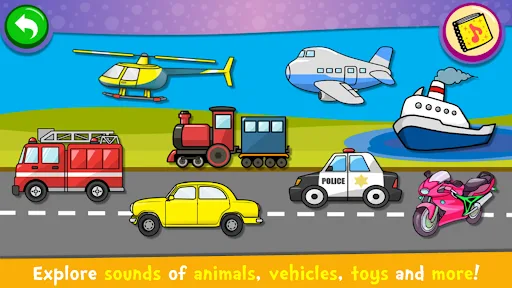
- Sound Recognition A dedicated sounds section uses object images and audio to build familiarity with everyday noises. It also includes pronunciation practice for colours, numbers and letters in multiple languages.
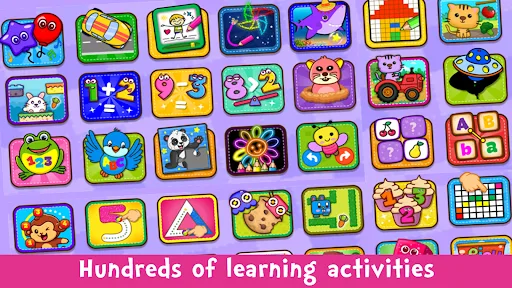
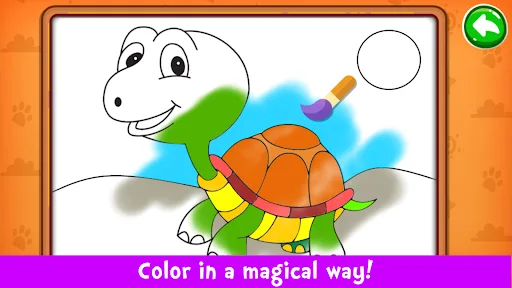
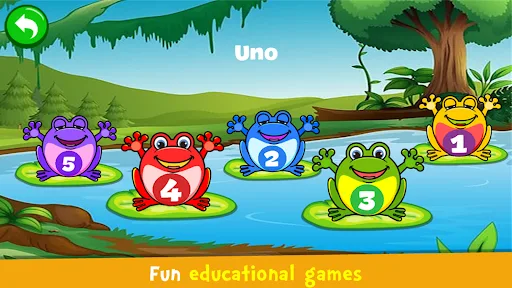
- Mini Games The games mode adds puzzles, colouring, drawing, memory play and simple counting or alphabet tasks. These activities widen the app beyond music without changing its child-focused tone.
- Simple Controls The interface is designed to be intuitive and easy to use, which matters more here than complexity. That supports short sessions and makes the app accessible on a tablet or phone.
What Makes It Stand Out
Among children’s music apps, this one stands out less for sophistication than for breadth. It folds together instrument tapping, song practice and early-learning activities into a single free package, which helps explain its huge install count.
- Wide Activity Mix The app does not stop at piano keys. It bundles songs, sounds, puzzles, colouring and memory tasks, so it can hold attention longer than a single-purpose toy app.
- Large Audience Signal More than 100 million Google Play installs and a review total above 724,000 give it unusual visibility for a children’s app. That suggests broad familiarity, even if the rating is only moderate.
- Family-Friendly Format The content is framed for kids and parents rather than competitive play. Its short, guided activities make it suitable for shared use and low-friction, repeatable sessions.
Things to Know Before Playing
The main trade-offs are the app’s age focus, its simplicity and the usual free-to-play mobile context. It is built for very young children, so older players will likely find the learning loop too basic.
- Young Child Focus The app carries a PEGI 3 rating, which makes it suitable for very young children. Parents still may want to supervise use, especially where language learning or sound playback is involved.
- Android Only It is available on Google Play for Android only, with no iPhone or iPad version listed. That limits access for families using Apple devices.
- Free App Context The listing marks it as free, but the store page does not provide size information here. On a device, it is sensible to leave some extra storage headroom for updates and cached data.